9 practical guides · iPhone, iPad & Android

 CmdPalm 01 / Trackpad
Point. Scroll.Stay put.
Move one finger to point. Use two to scroll. Keep a keyboard within reach.
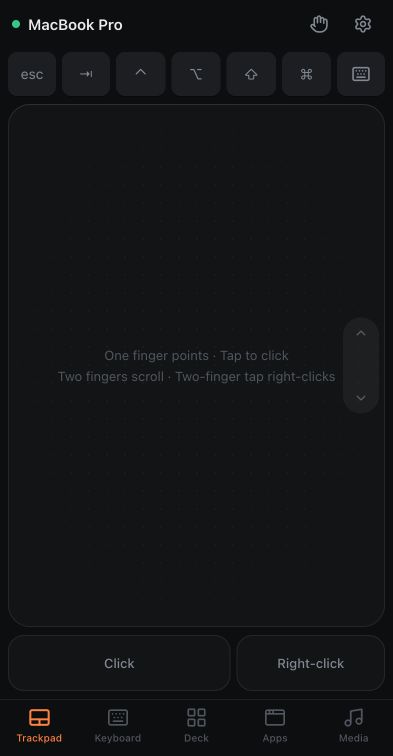
Use your phone as a Mac mouse and trackpad
Point, click, scroll and type on a Mac from an iPhone, iPad or Android phone. No phone app to install.
Read the guideYour shortcuts.One tap.
Your everyday actions, arranged on a panel you can make your own.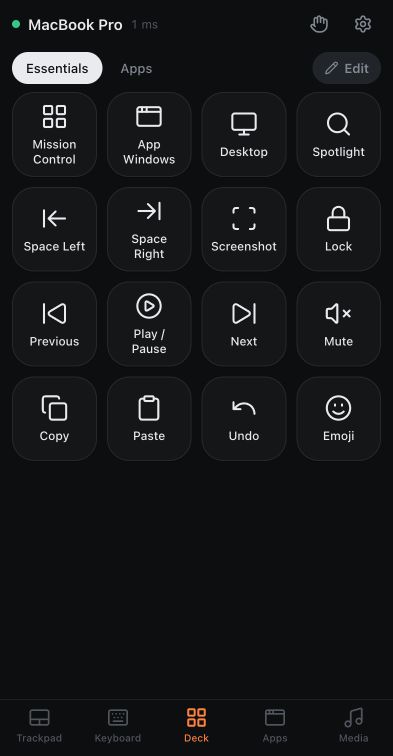
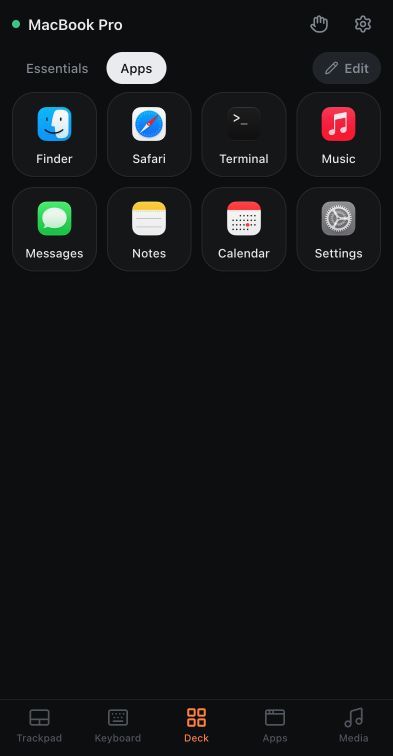
Turn a spare phone into a Mac shortcut deck
Build a small panel for the apps, shortcuts and everyday actions you use most.
Read the guideNext slide.In your palm.
Big Back and Next keys, with the presentation controls you need beside them.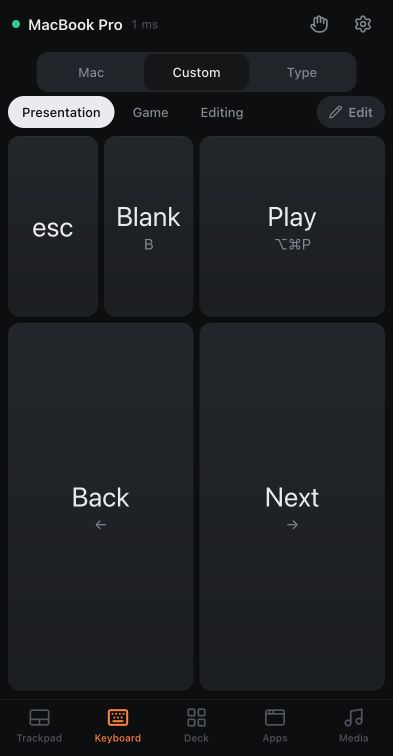
Control Mac presentation slides from your phone
Start with the Presentation keyboard preset and put large slide controls in your palm.
Read the guideSay it.Your Mac types.
Speak into your phone. Your Mac recognises the words on the Mac itself.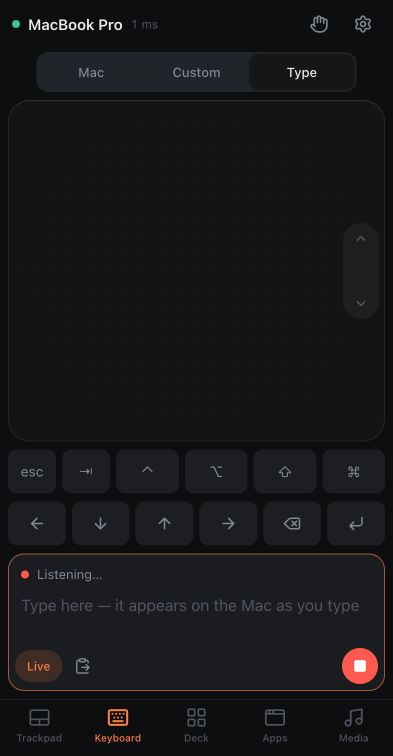
Use your phone’s microphone to type on your Mac
Set up an encrypted connection, speak into your phone and let your Mac transcribe.
Read the guideYour keys.Your layout.
Choose the keys. Set their size. Add a trackpad when the job needs a pointer.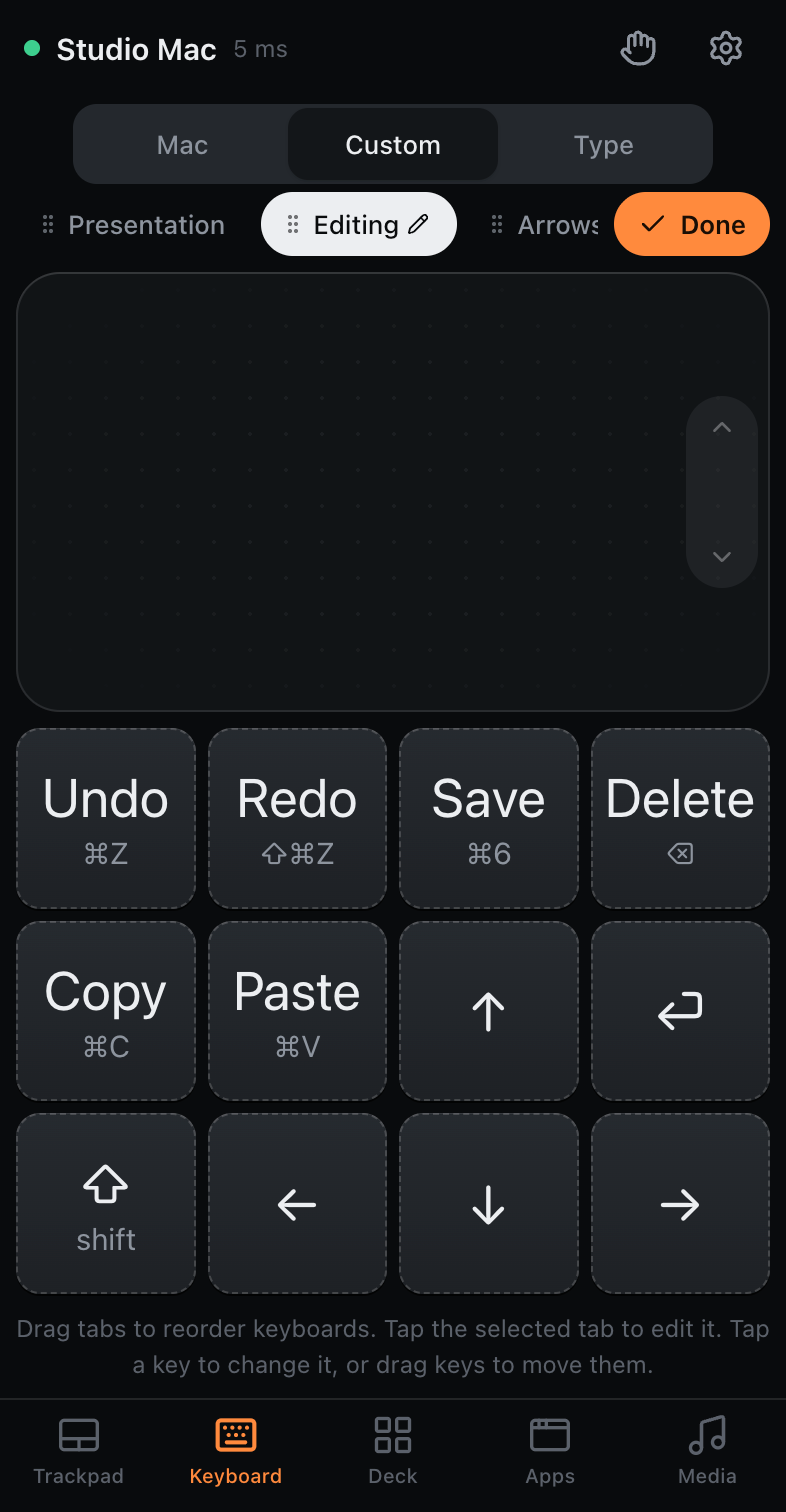
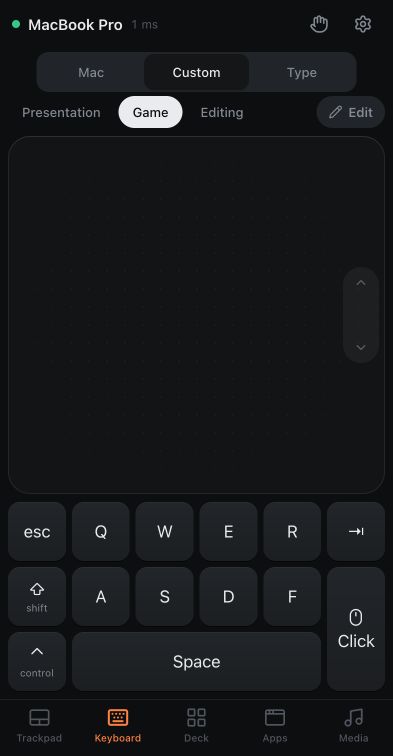
Build a custom Mac keyboard on your phone
Make a few large keys for editing, navigation or a game, with an optional trackpad.
Read the guidePress play.Stay put.
Pause, skip or turn it down without getting up to reach your Mac.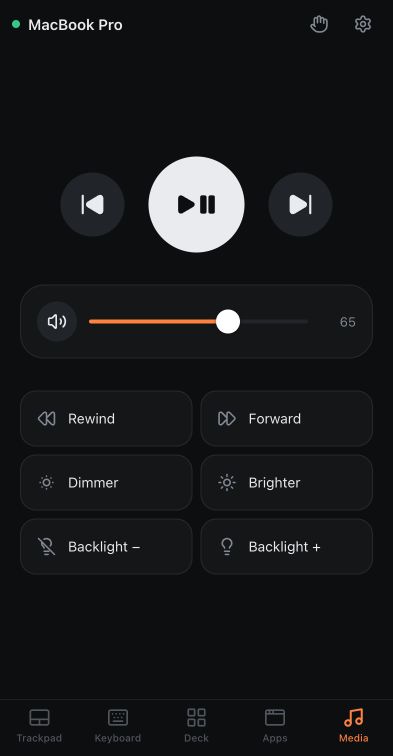
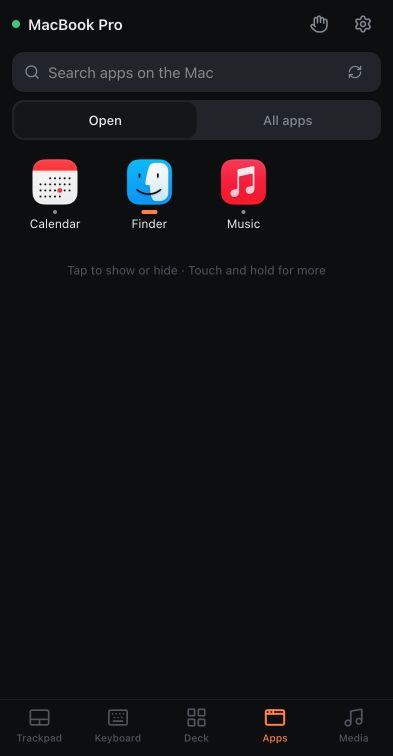
Control your Mac from the couch
Open apps, pause playback and adjust volume using the Apps and Media screens.
Read the guideMac keys.Within reach.
Your Mac’s layout, function keys, modifiers and Caps Lock state. Turn your phone for more room.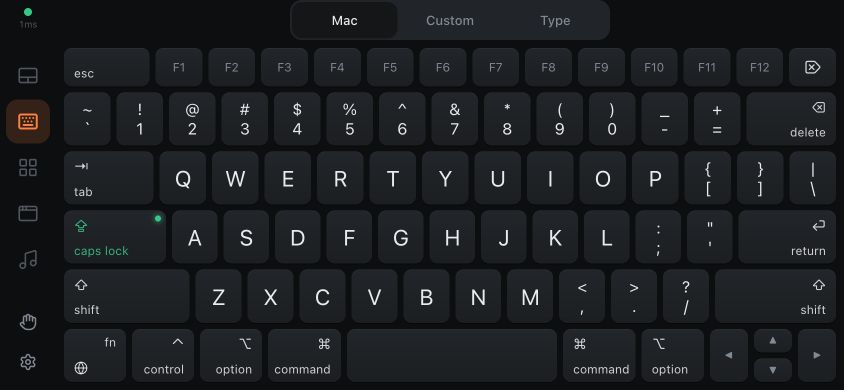
Use a full Mac keyboard on your phone
Use Mac keys, a Caps Lock light, sticky modifiers, live typing and a sideways keyboard that works with rotation locked.
Read the guideOne gesture.Your action.
Tune the feel, choose your scroll strip, and put familiar Mac actions under your fingers.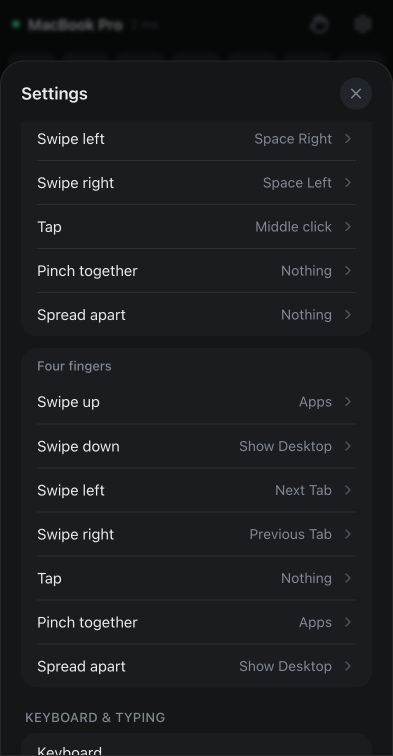
Make the trackpad and gestures feel right
Tune dragging, smooth zoom, rotation and the scroll strip, then assign three- and four-finger gestures.
Read the guideYour setup.Take it with you.
Remember your phone, copy a familiar layout, and stay in control of paired devices.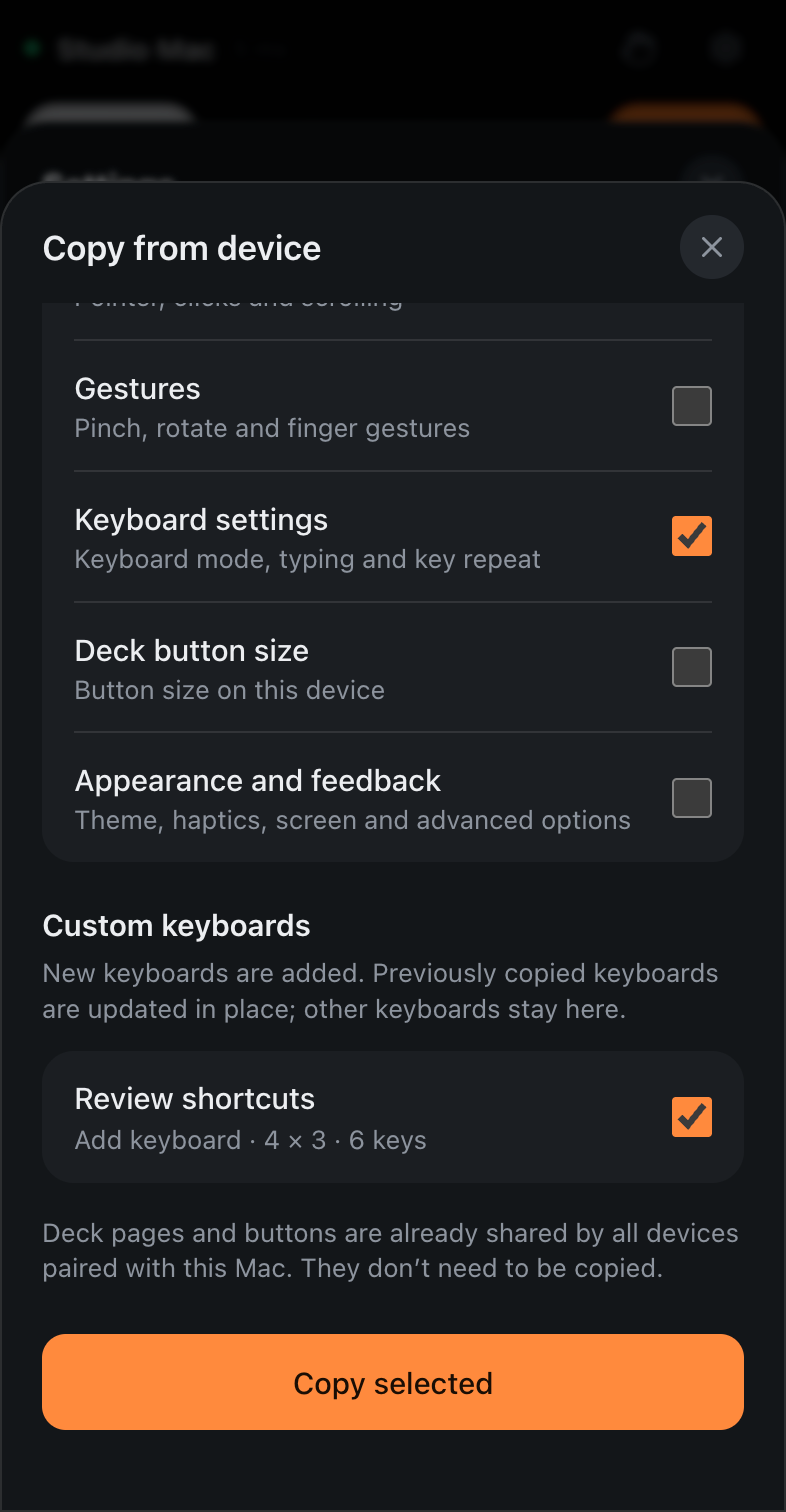
Set up and manage your CmdPalm devices
Keep your phone setup, copy settings to another device, manage pairing, and pause or revoke access.
Read the guide